Notivity is your all-in-one workspace for productivity. Seamlessly organize projects, manage tasks, write in Markdown, and sketch ideas on a free canvas. A powerful, modernly designed app built to capture your thoughts efficiently.
What's new in 1.0.0
Oct 22, 2026
New Features
Export for Notivity v2 (Settings > Data & backup): workspaces, notes with their pages, tasks, events with repetitions and drawings including strokes, text, images, shapes, audio, video and links; exporting again updates the data in v2 instead of duplicating it
Command palette (Ctrl + K or Ctrl + F): find notes and workspaces and run actions from the keyboard
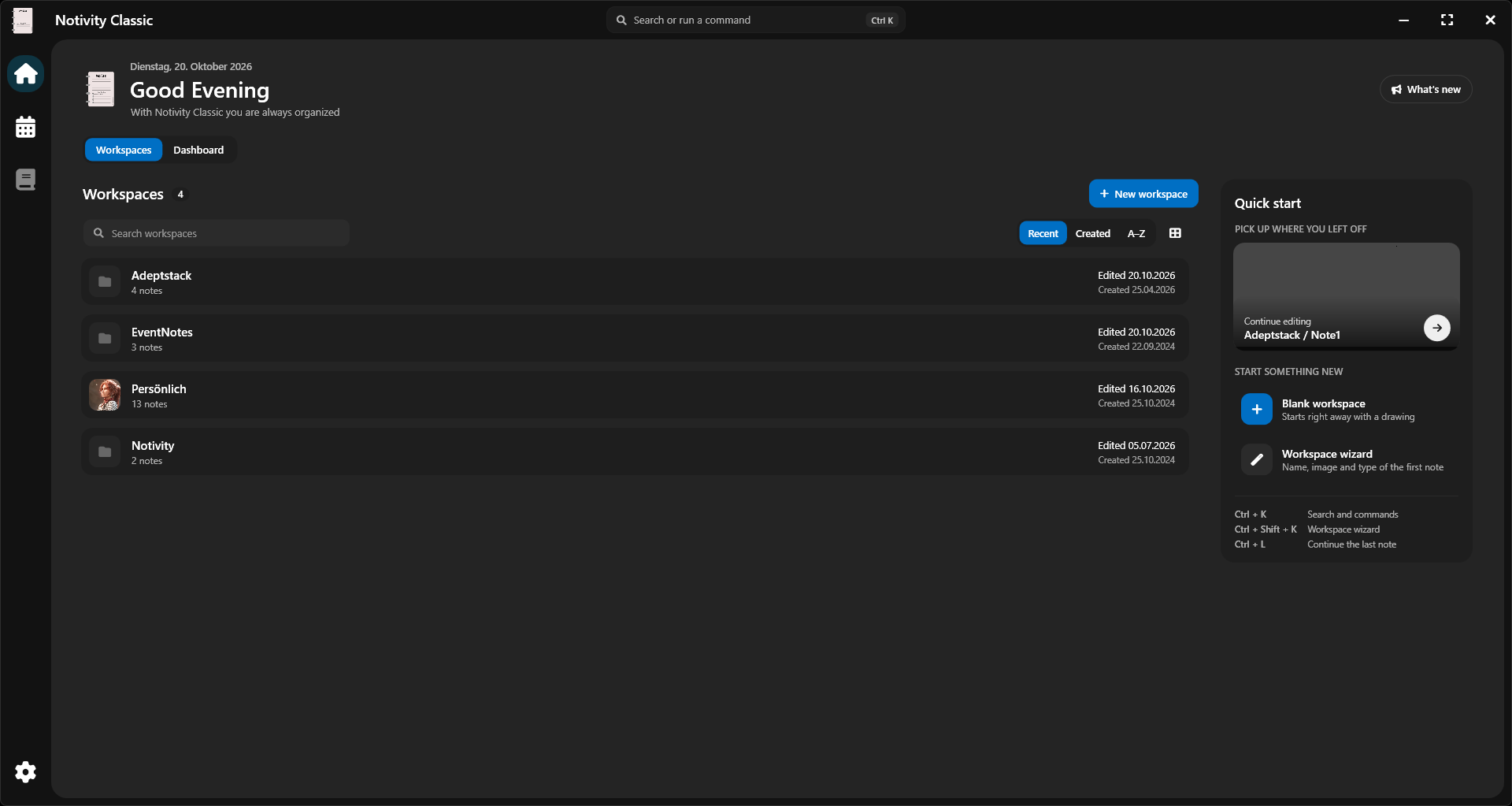
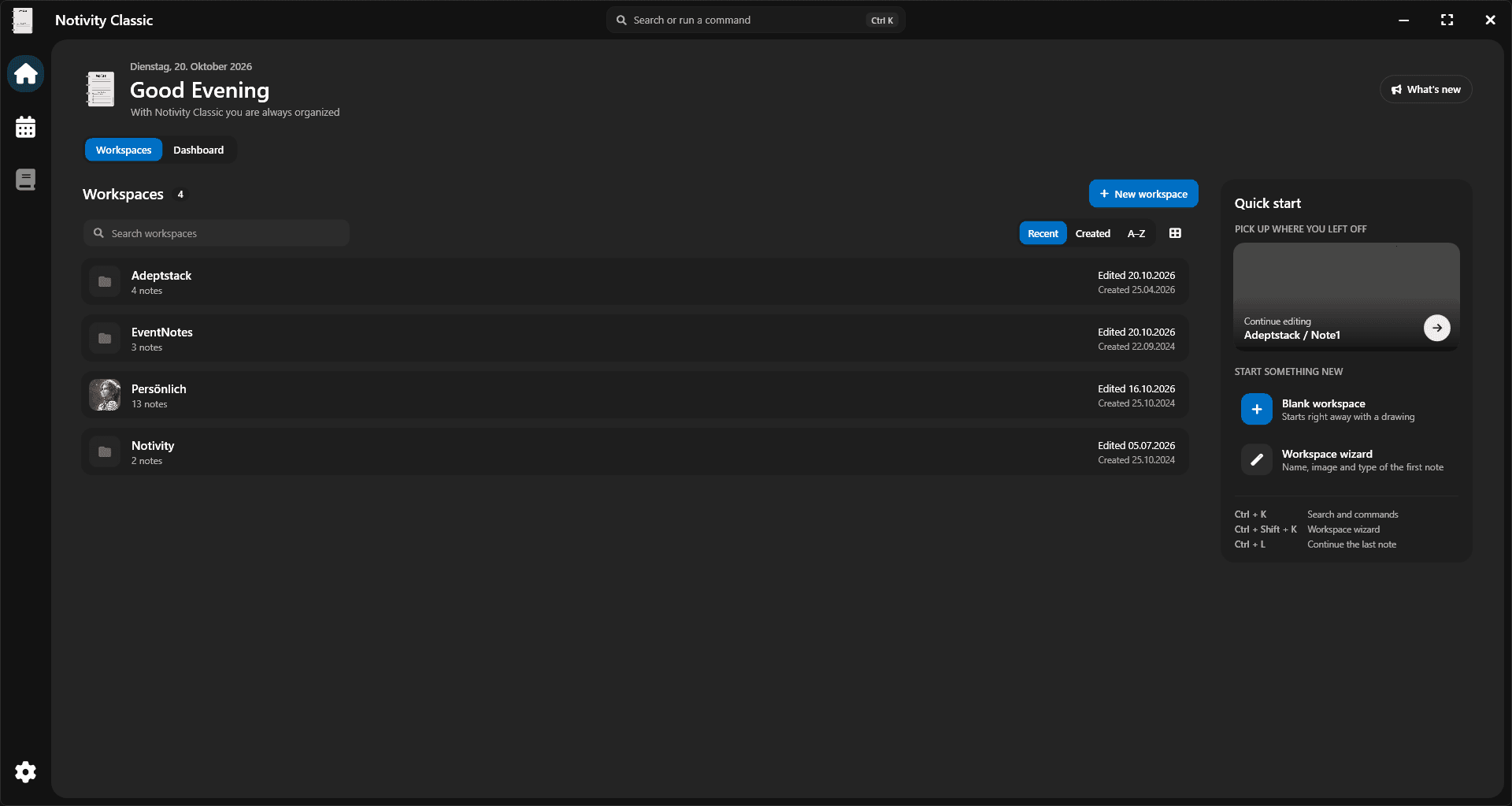
Dashboard with open, due and overdue tasks and upcoming events, grouped by day
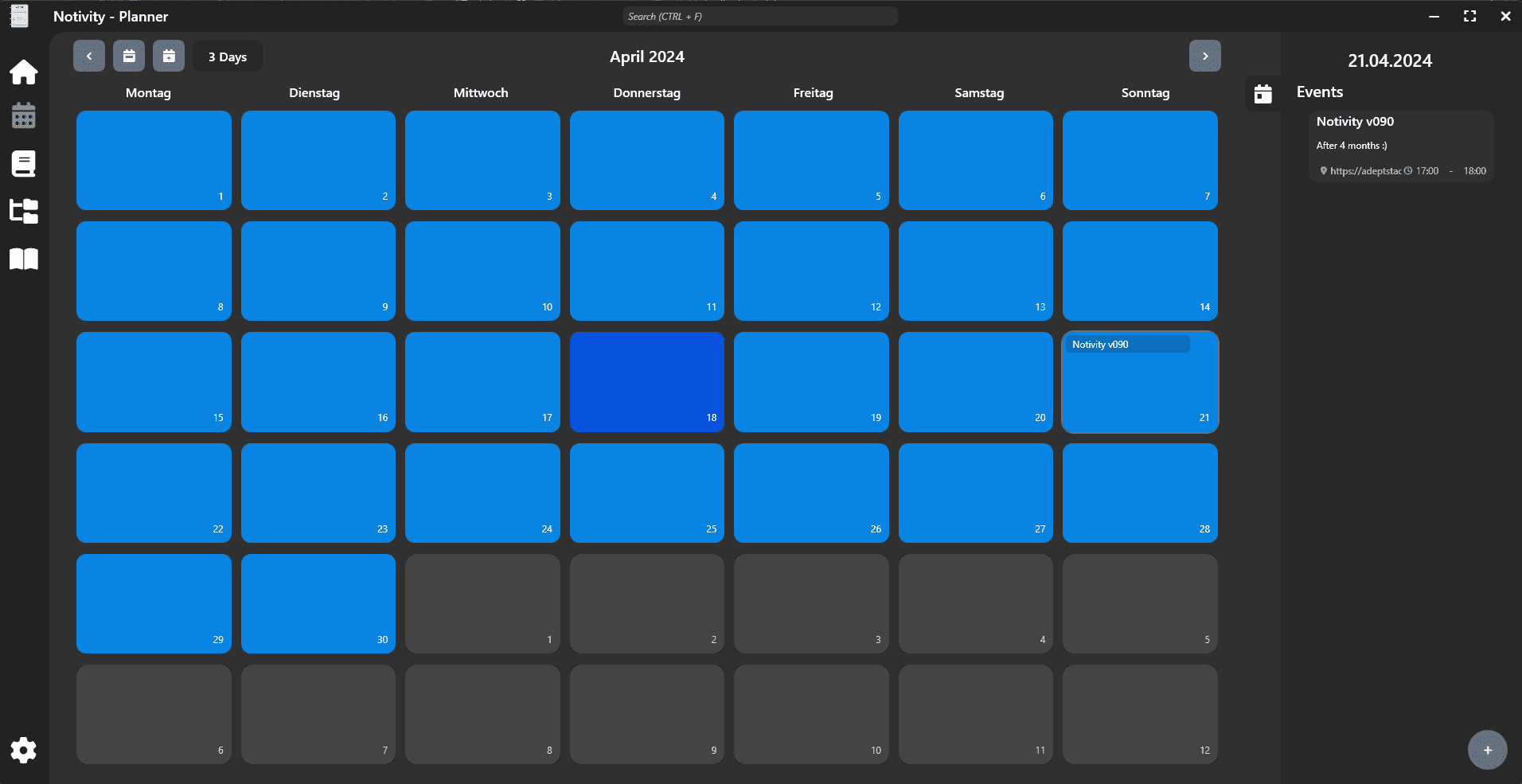
Repeating events: daily, weekly on chosen weekdays, monthly or yearly, every n times, until a date or n times; single occurrences of a series can be deleted
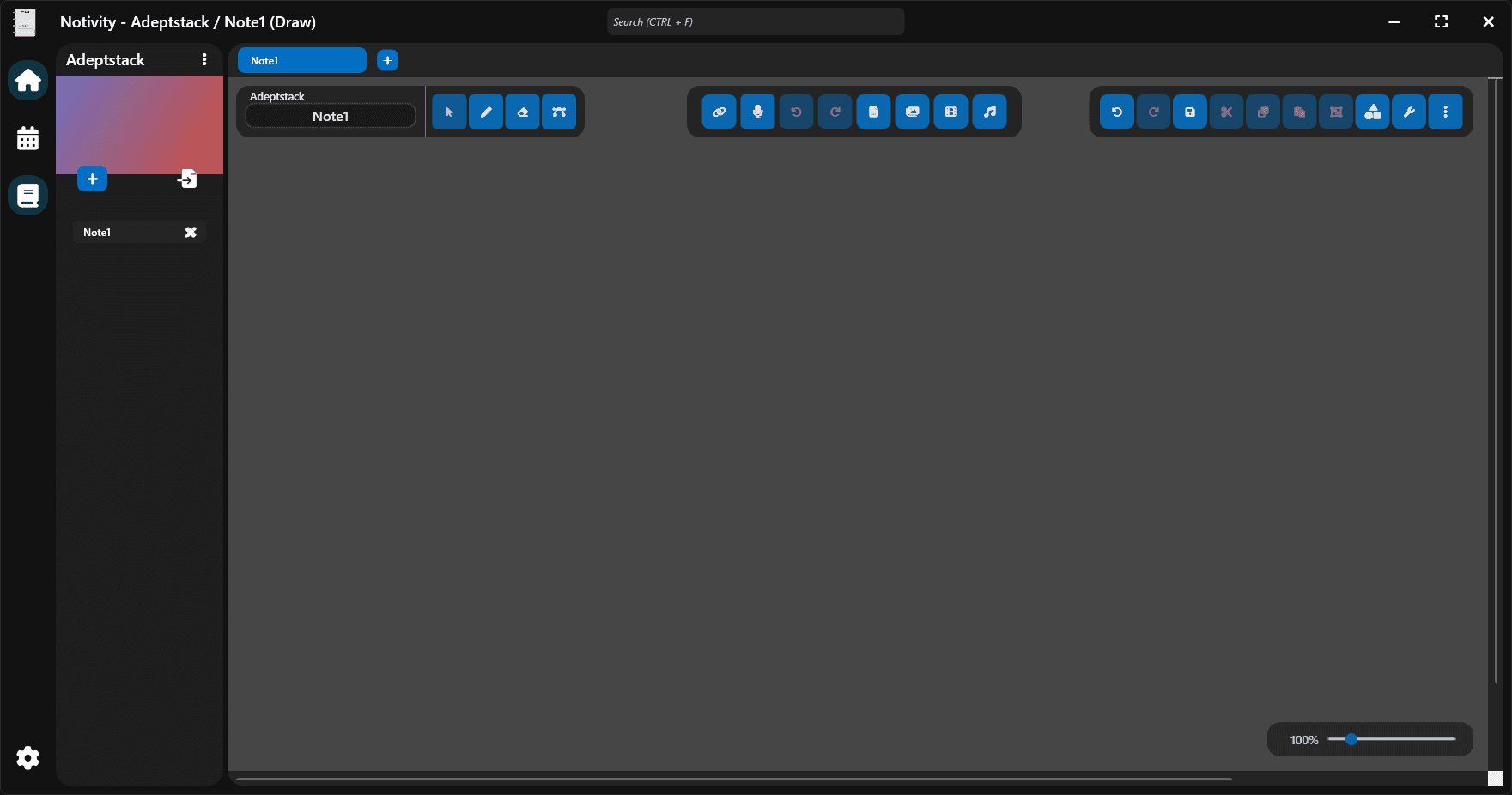
Draw mode: undo and redo for everything (strokes, erasers, elements, moving, resizing, rotation, properties, colors)
Draw mode: copy, cut and paste of strokes and elements
Draw mode: color and thickness can be applied to selected strokes
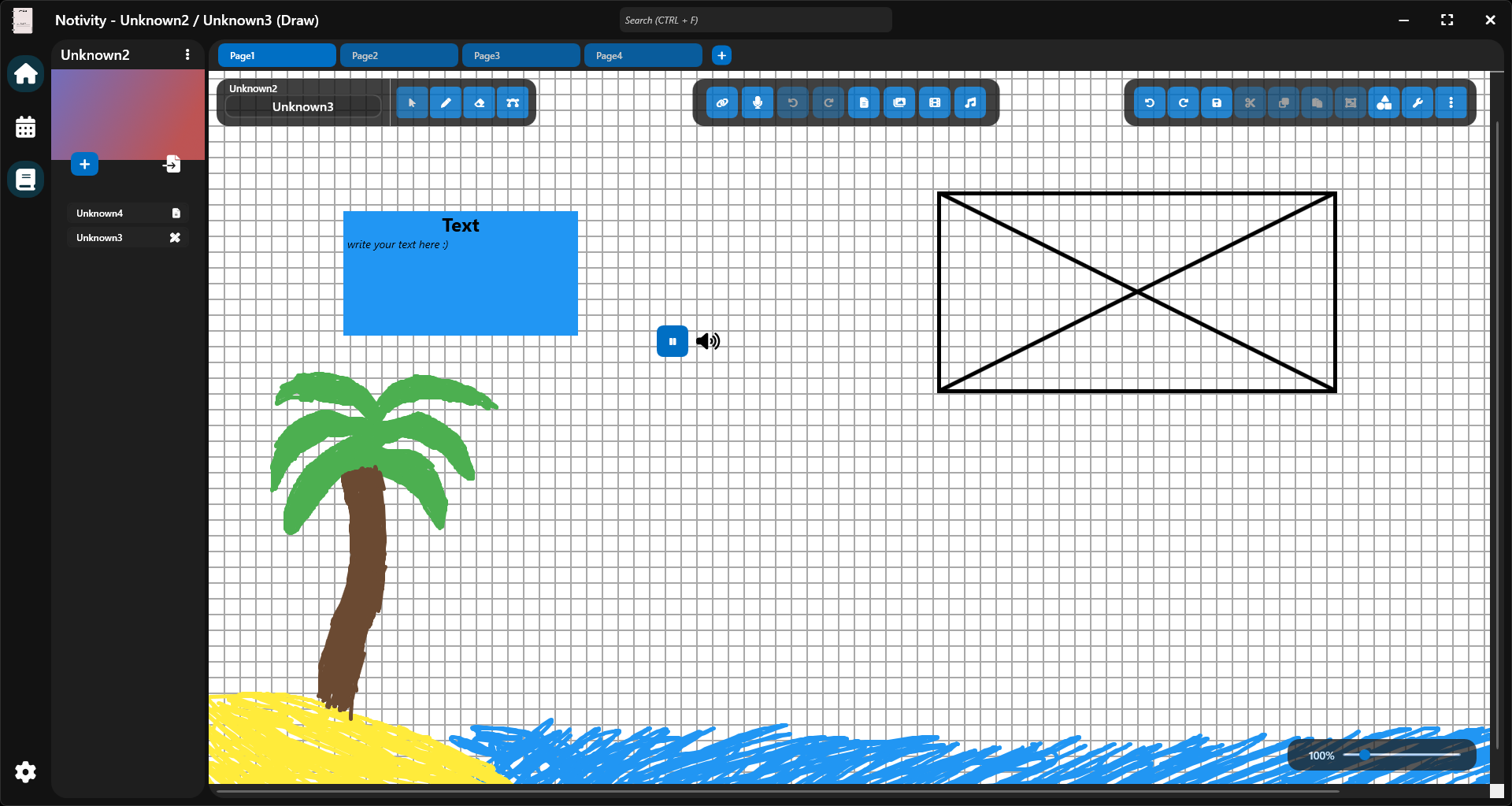
New media player on the canvas with time display, exact seeking and .mov support; sounds start almost instantly and keep their pitch at other speeds
"Ask before closing" with "Don't ask again" (can be turned off in the settings)
New settings: open the last note on start, first day of the week, show tasks in the calendar, ask before deleting events, editor font size, spell check
Automatic update check with the channels Main and Develop
Changes
New design for the start page, settings, workspace view, task mode, text mode, calendar and draw mode toolbars
New welcome dialog in five steps and a new tip of the day window
New Ctrl + Tab menu
Loading indicator inside the main window instead of a separate window
Popups line up with their buttons, also when Windows opens menus to the left
Renaming a note no longer moves its files; existing data is migrated once on the first start, with a backup
Events over several days are stored once
Version 1.0.0, no longer marked as Beta
Runs on .NET 10 (nothing to install)
Faster typing, opening of notes and lower CPU use when idle
Fixes
Text and drawing notes are now saved when you leave them or close the app (previously only with Ctrl + S, on page change and every 50 minutes)
Text notes no longer lose their text when WebView2 is missing or the page is switched right after opening
Deleting the first page no longer overwrites the following page
Opening a note on a page that no longer exists no longer duplicates a page
Opening a note without workspace no longer renames another workspace
Changing the storage location asks before replacing Notivity data already in the new location
A failed or cancelled update download no longer closes the app
Fixed a crash with Ctrl + N after returning to the start page
Fixed a crash when creating a blank workspace while a workspace name contains "Unknown"
Tasks due today without a time are no longer shown as overdue
Jumping to a page from the tab menu now works every time
Notivity Classic no longer closes Notivity v2 or other programs with "notivity" in their name; a second start brings the open window to the front
Unreadable notes, pages and tasks are backed up instead of being overwritten
Deleting a workspace only removes that workspace
Greeting was empty between 12 and 13 o'clock with a 12-hour clock
Calendar: selection when changing the month, links lost when editing an event, error messages that were never shown, colon in time fields could not be deleted, the EventNotes workspace was created on every visit
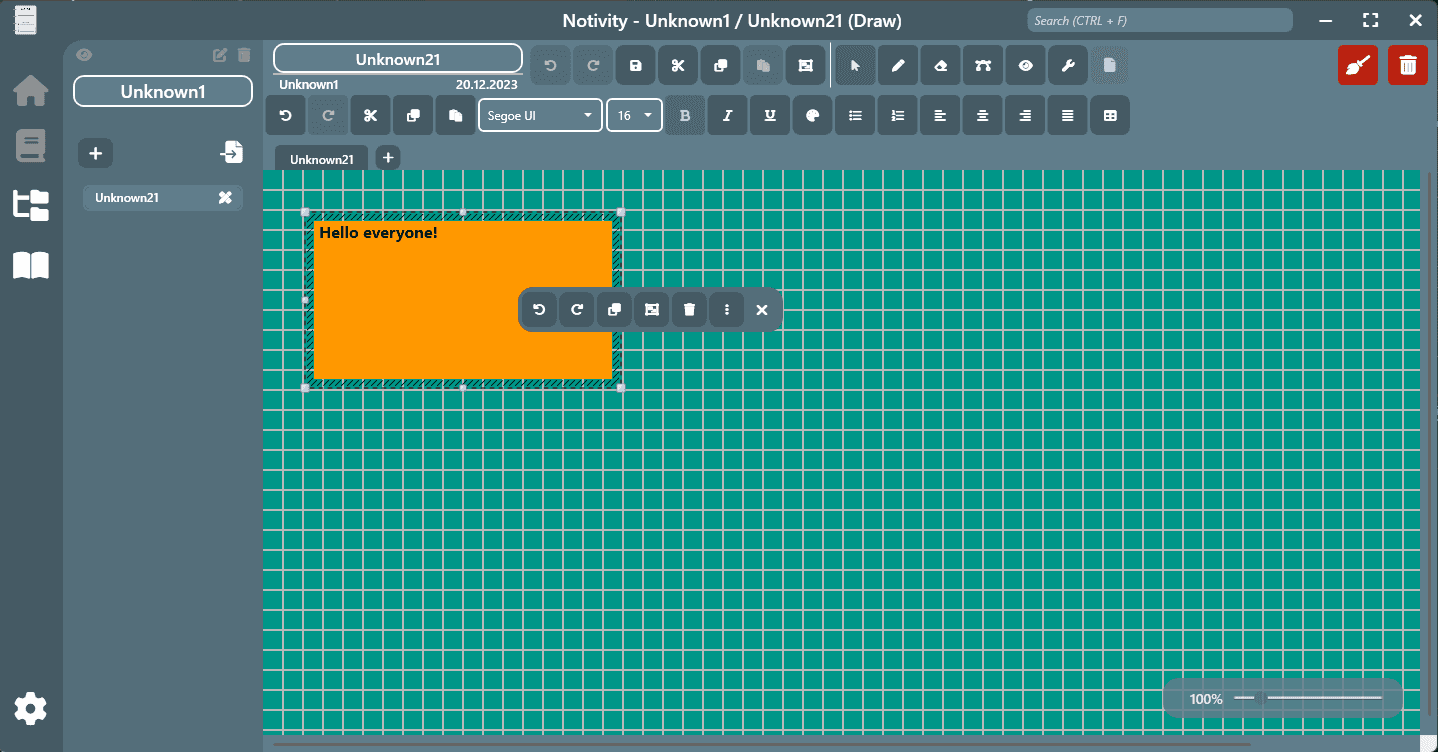
Draw mode: media no longer play on their own, only one plays at a time, no crash for media without a length, media paths are repaired after the note folder moved, text box formatting applies to the edited box
Notivity’s dashboard is built for speed. Jump back into your last edited note, create a new workspace, or search your library in seconds—all wrapped in a sleek, eye-friendly dark mode.
Focus on Productivity
Designed for speed and flow. Switch between notes, tools, and layers with a single click. Whether you are sketching ideas or organizing files, Notivity’s streamlined interface removes friction so you can stay in the zone.
Flexible Note Types
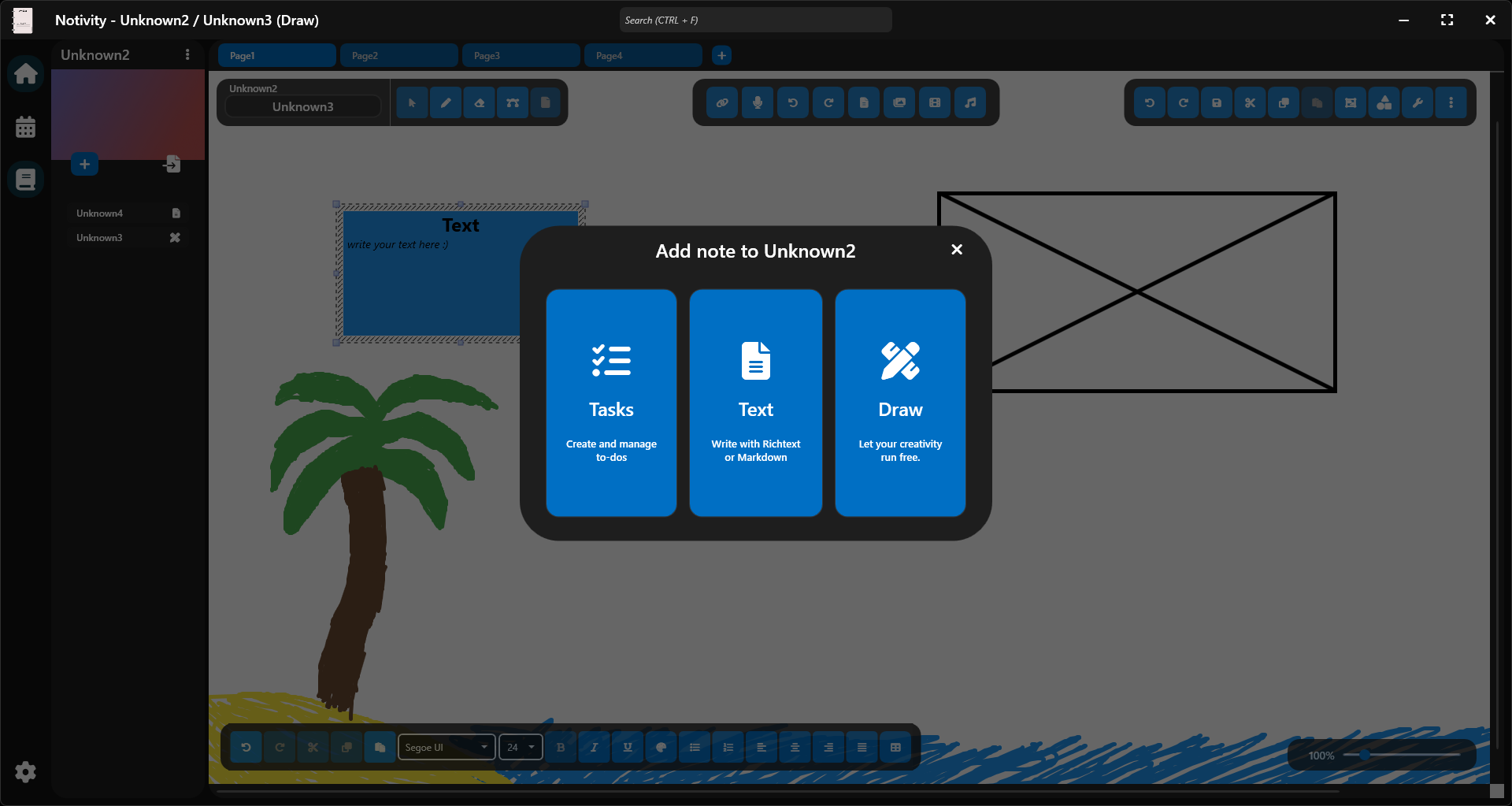
Customize your workflow with three dedicated note types. Use Tasks for project management, Text for structured writing and Markdown, or Draw for freehand sketches. Notivity adapts to exactly what you need.