A first look at Notivity v2 and Notivity Classic 1.0
Today we are releasing Notivity Classic 1.0. After almost four years of development, our desktop app for notes, tasks and drawings reaches its first major release. Version 1.0 is more than a version number. It brings a completely refreshed design, a noticeably faster experience and a simple way to take everything you have created with you to Notivity v2, the next generation of Notivity for phone, tablet and PC.
What's new in 1.0
Almost every part of Notivity Classic has been redesigned to feel calmer, clearer and more consistent.
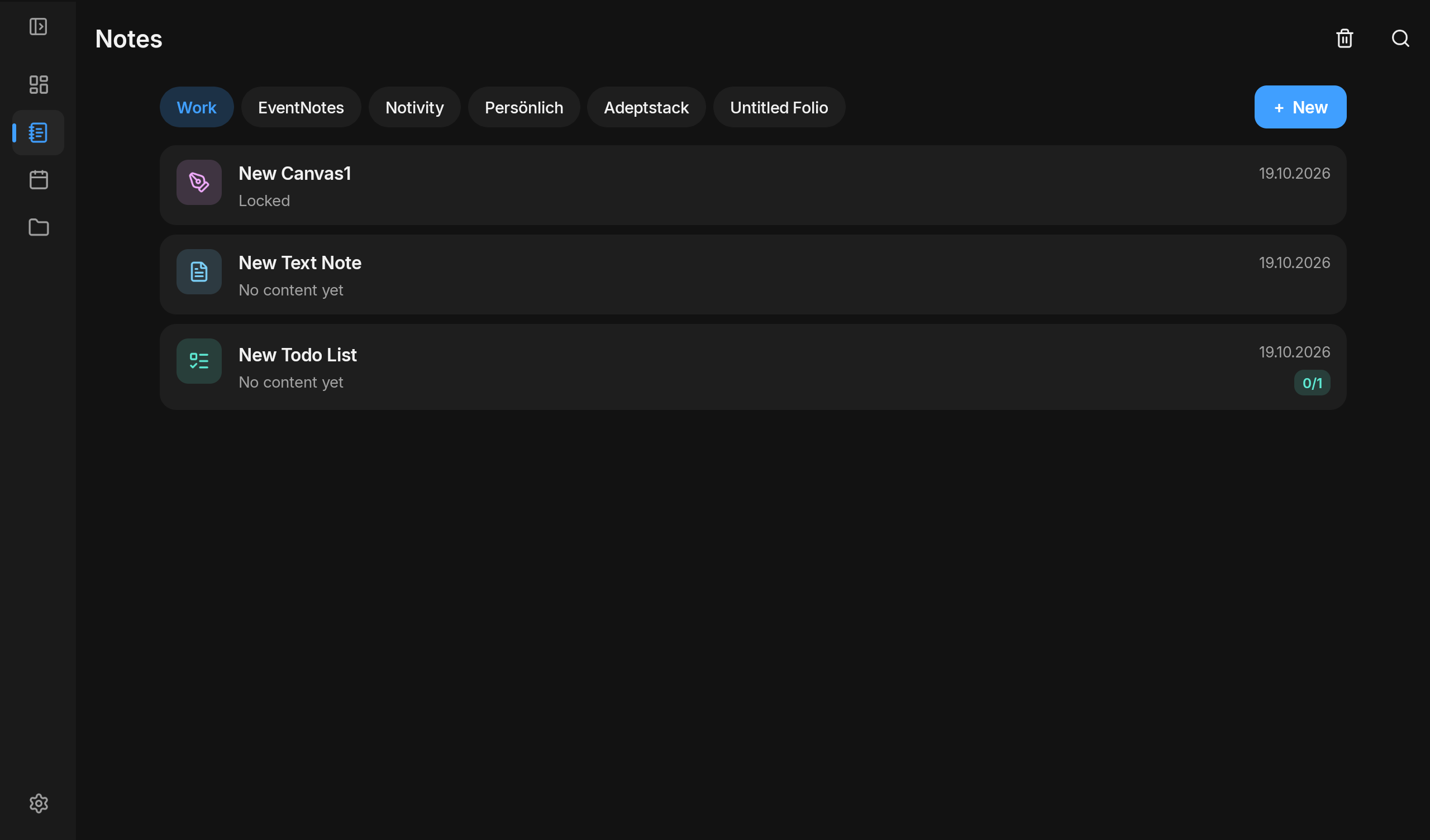
- A new look throughout. The start page, dashboard, settings and all three note modes share one modern design, in light, dark and color themes.
- Find anything instantly. A new quick search opens with Ctrl + K and takes you to any note, workspace or action in a few keystrokes.
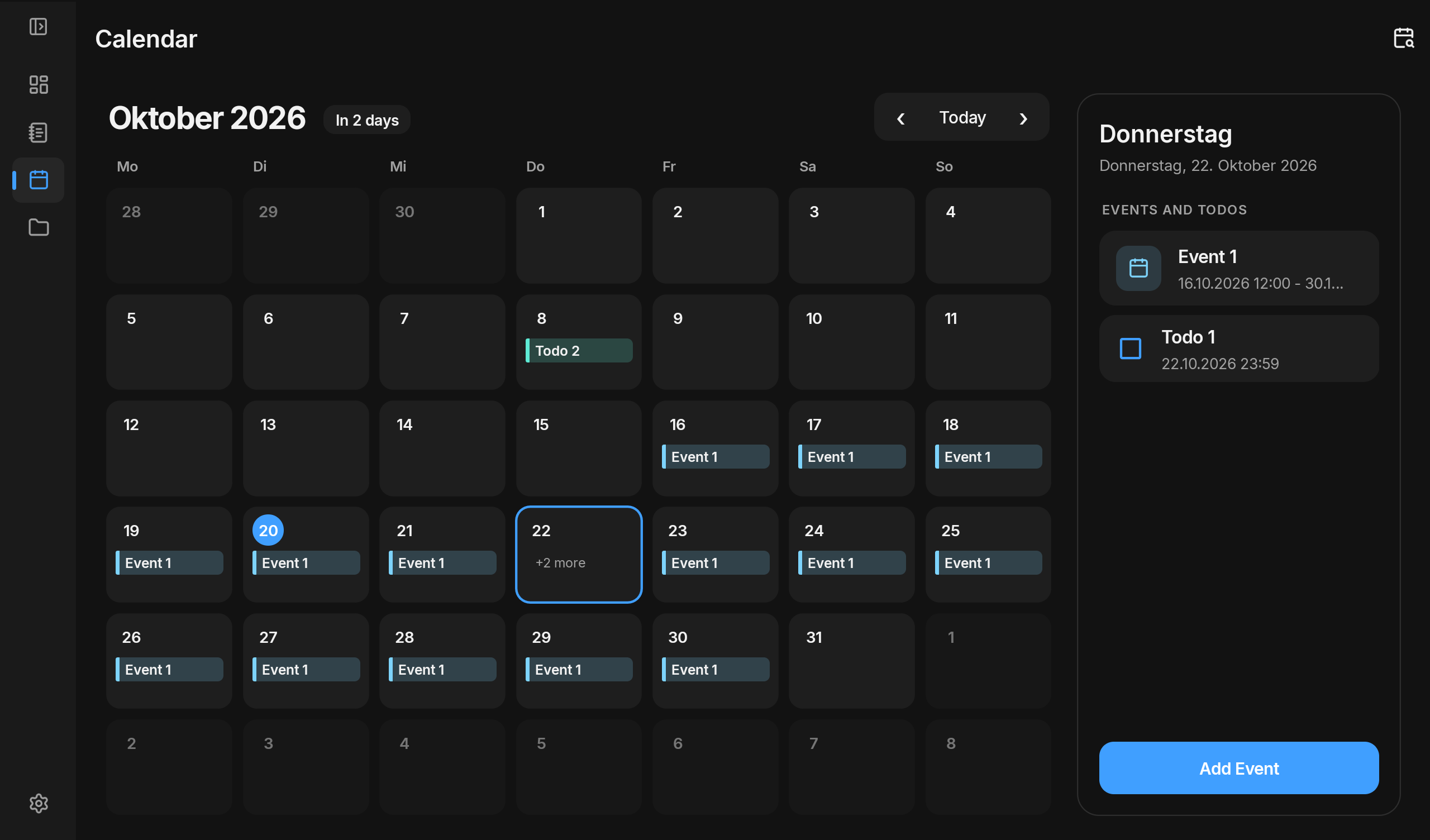
- A smarter calendar. Events can now repeat daily, weekly on chosen days, monthly or yearly, and single dates of a series can be removed.
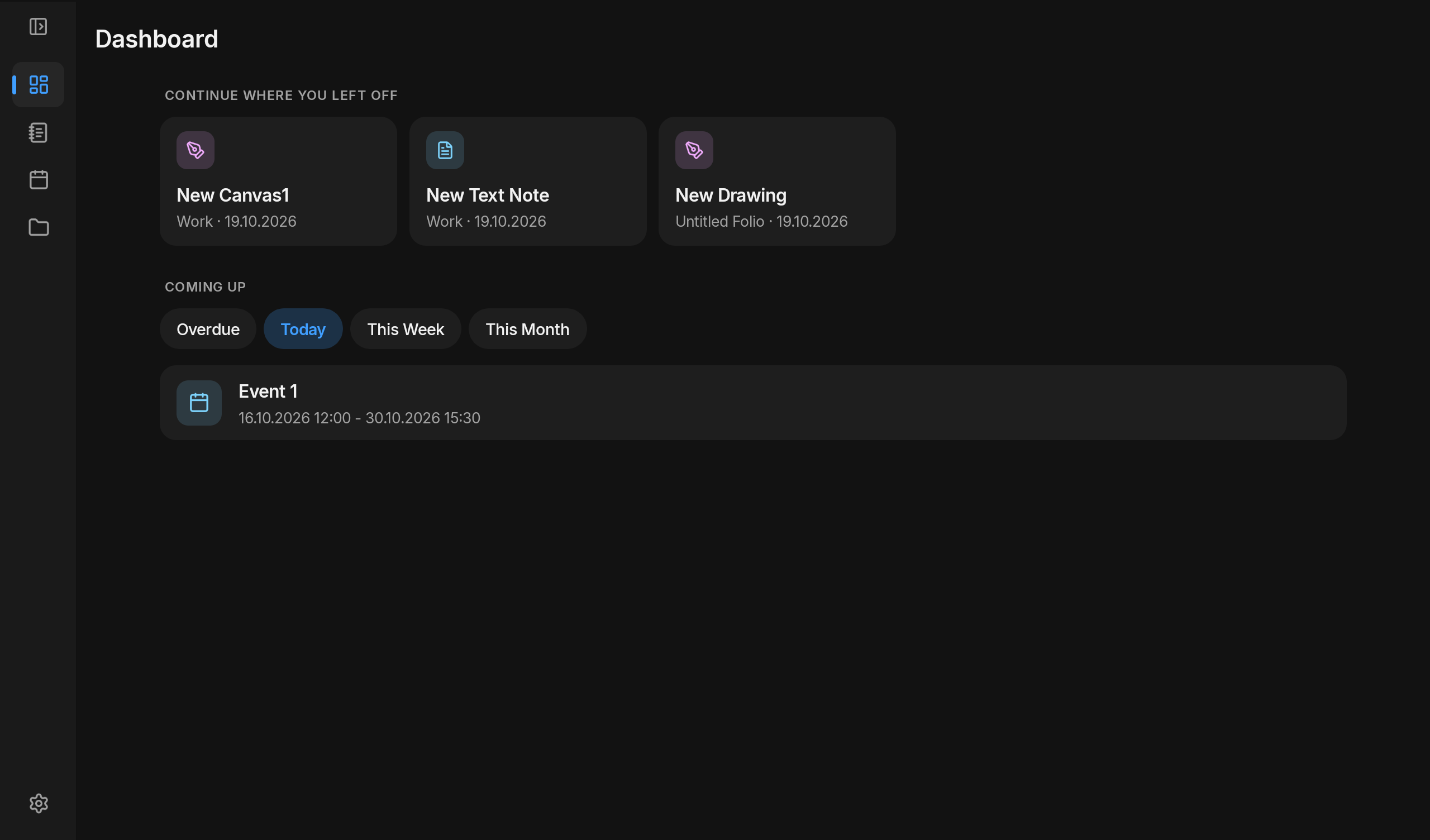
- Your day at a glance. The new dashboard shows upcoming tasks and events in one place.
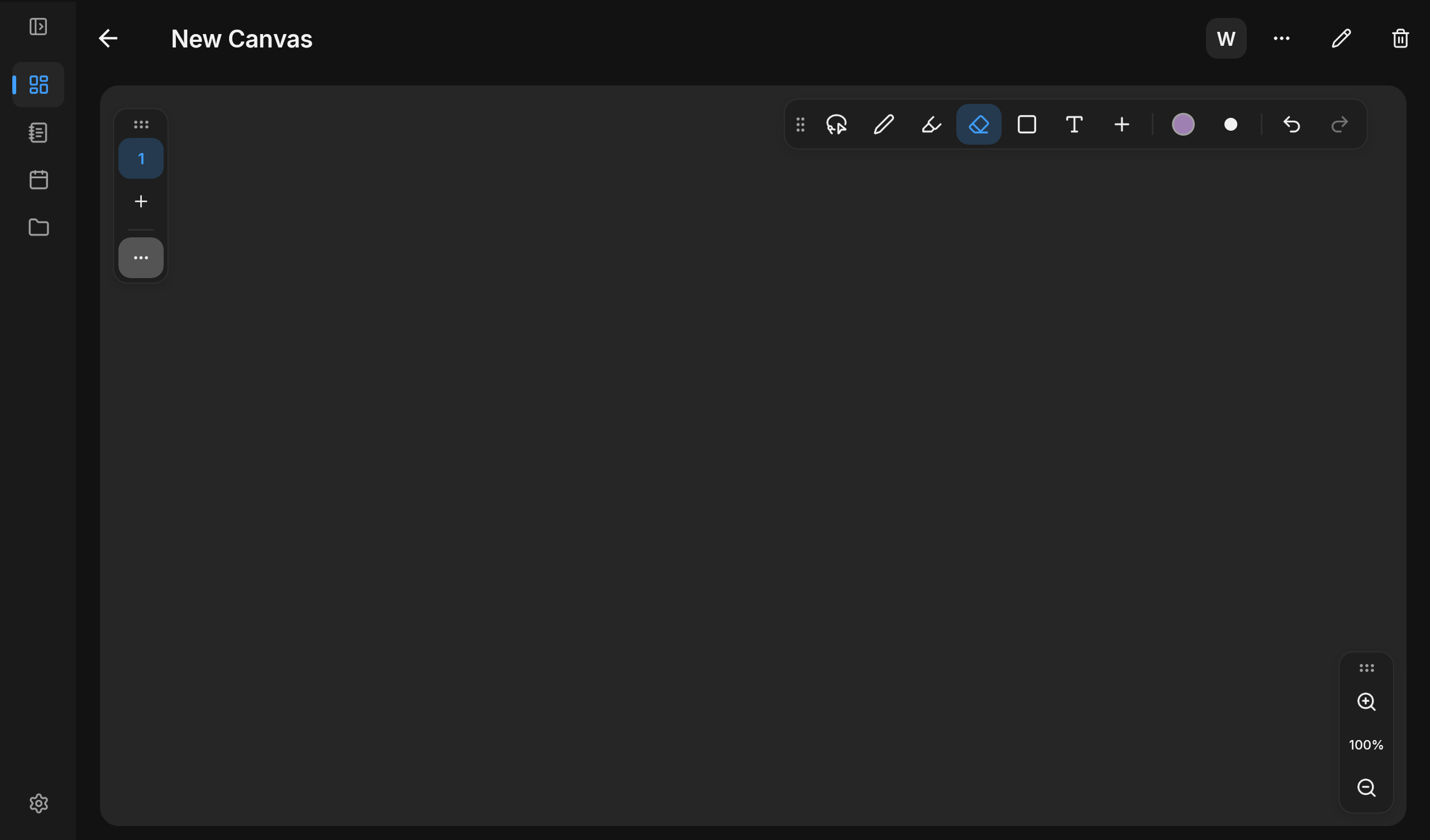
- A better drawing experience. Undo and redo, copy and paste, formatted text boxes and an improved media player make drawings more flexible.
- Faster and more reliable. Notes open quicker, typing feels smoother and audio plays instantly.
- More control. New settings let you decide how the calendar, the editor and the app behave, including a welcome guide for new users and an optional confirmation before closing.
- Always up to date. Notivity Classic lets you know when a new version is ready and installs it with one click.
Moving to Notivity v2
With version 1.0, everything you keep in Notivity Classic can move to Notivity v2 in a few clicks. Open Settings, choose Data & backup and select “Export for Notivity v2”. Notivity Classic saves your workspaces, notes, tasks, events and drawings in a single file, which Notivity v2 imports on any of your devices. There is no need to switch overnight. Notivity Classic keeps working as before, and exporting again later simply updates your data in Notivity v2 instead of creating duplicates. If anything cannot be carried over, Notivity v2 shows a short summary after the import, so nothing goes missing unnoticed.
A first look at Notivity v2
Notivity v2 brings Notivity to your phone, tablet and PC. It is available for Android and Windows and is approaching its own 1.0 release.