
Notivity Classic 1.0.0 stable October 22, 2026
Notivity Classic v1.0.0
big overhaul and v2 export
New Features
- Export for Notivity v2 (Settings > Data & backup): workspaces, notes with their pages, tasks, events with repetitions and drawings including strokes, text, images, shapes, audio, video and links; exporting again updates the data in v2 instead of duplicating it
- Command palette (Ctrl + K or Ctrl + F): find notes and workspaces and run actions from the keyboard
- Dashboard with open, due and overdue tasks and upcoming events, grouped by day
- Repeating events: daily, weekly on chosen weekdays, monthly or yearly, every n times, until a date or n times; single occurrences of a series can be deleted
- Draw mode: undo and redo for everything (strokes, erasers, elements, moving, resizing, rotation, properties, colors)
- Draw mode: copy, cut and paste of strokes and elements
- Draw mode: color and thickness can be applied to selected strokes
- New media player on the canvas with time display, exact seeking and .mov support; sounds start almost instantly and keep their pitch at other speeds
- "Ask before closing" with "Don't ask again" (can be turned off in the settings)
- New settings: open the last note on start, first day of the week, show tasks in the calendar, ask before deleting events, editor font size, spell check
- Automatic update check with the channels Main and Develop
Changes
- New design for the start page, settings, workspace view, task mode, text mode, calendar and draw mode toolbars
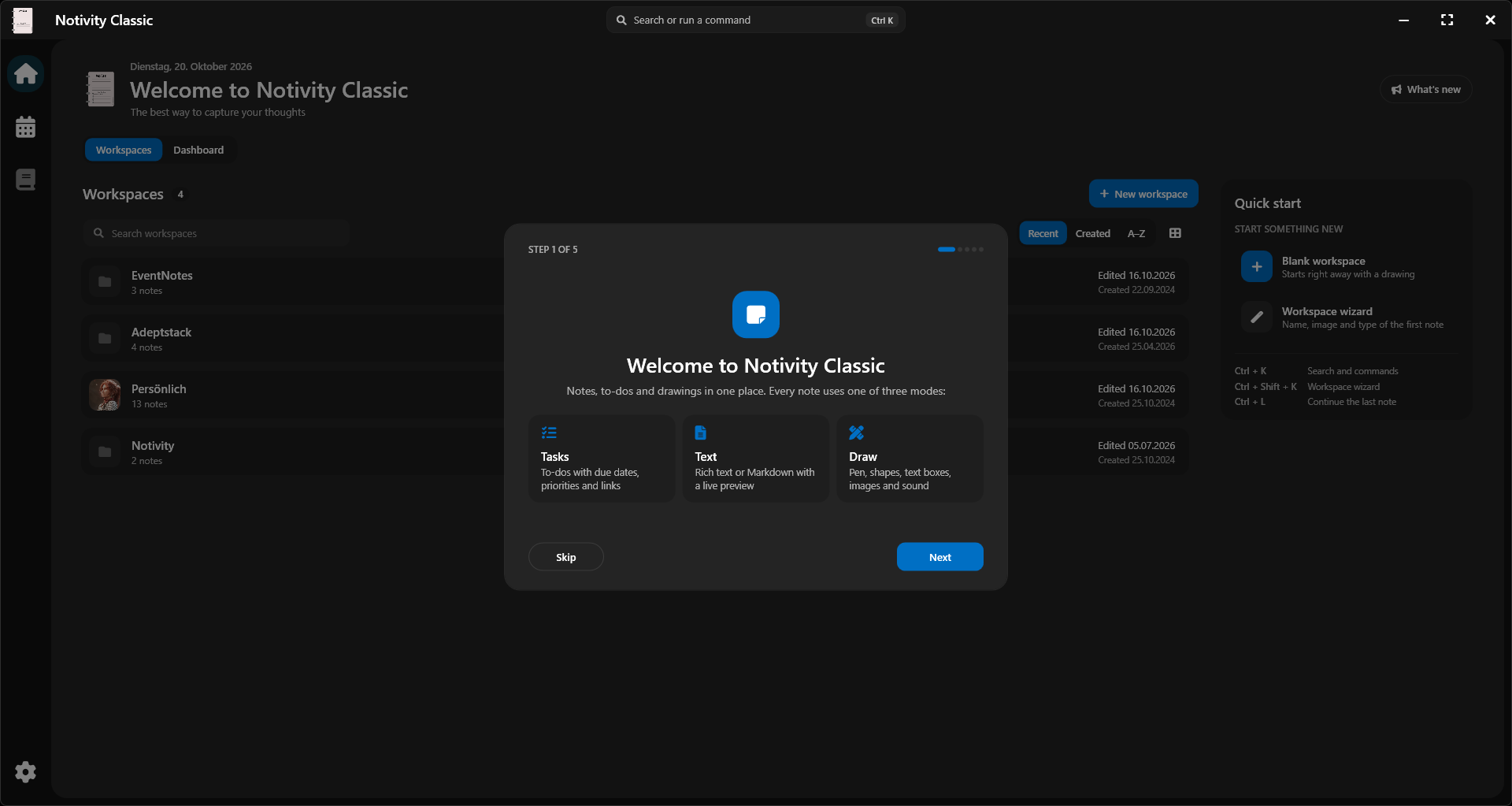
- New welcome dialog in five steps and a new tip of the day window
- New Ctrl + Tab menu
- Loading indicator inside the main window instead of a separate window
- Popups line up with their buttons, also when Windows opens menus to the left
- Renaming a note no longer moves its files; existing data is migrated once on the first start, with a backup
- Events over several days are stored once
- Version 1.0.0, no longer marked as Beta
- Runs on .NET 10 (nothing to install)
- Faster typing, opening of notes and lower CPU use when idle
Fixes
- Text and drawing notes are now saved when you leave them or close the app (previously only with Ctrl + S, on page change and every 50 minutes)